The hidden cost of disconnected statuses
A booking can look confirmed while documents are missing. A traveler can upload data while payment is still unpaid. A finance manager can see the bank transfer while the operator still waits for confirmation.
Each gap creates manual follow-up and increases the chance of a missed deadline before departure.
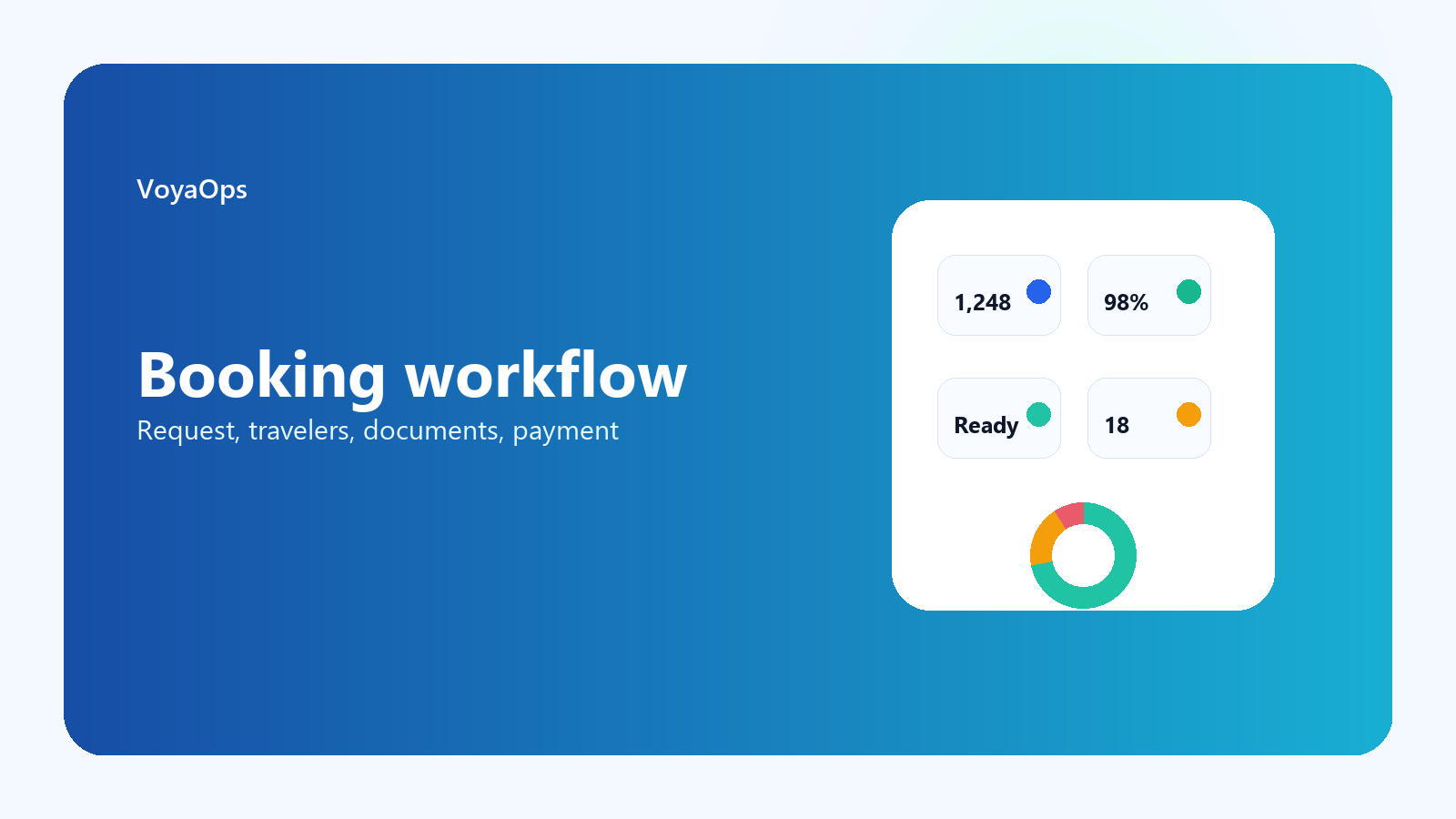
What should be visible on one booking card
The operator should not switch between a CRM card, a document folder, a payment table, and a chat thread to understand whether a booking is ready.
- Customer and traveler list.
- Document checklist and uploaded files.
- Payment request, due date, paid amount, and outstanding balance.
- Operator notes and internal tasks.
- Agent or partner relationship if the booking came through a channel.
The role of payment control
Payment tracking is not only accounting. It changes what the operations team can safely do next: confirm seats, release documents, prepare supplier payments, or chase missing information.
That is why payment status needs to be visible beside the booking, not hidden in a separate finance file.
Where VoyaOps fits
VoyaOps keeps booking data, traveler records, generated documents, payment requests, and internal events connected. The result is a cleaner operational path from request to departure.
Turn fragmented operations into one booking workflow
Use the demo to see how traveler records, documents, payments, and internal tasks stay tied to one booking.